CLI-First AI Workflows: Why Simple Beats Complex
How leveraging Claude's native CLI capabilities with standard Unix tools and API calls delivers more power with less maintenance than complex MCP server architectures.
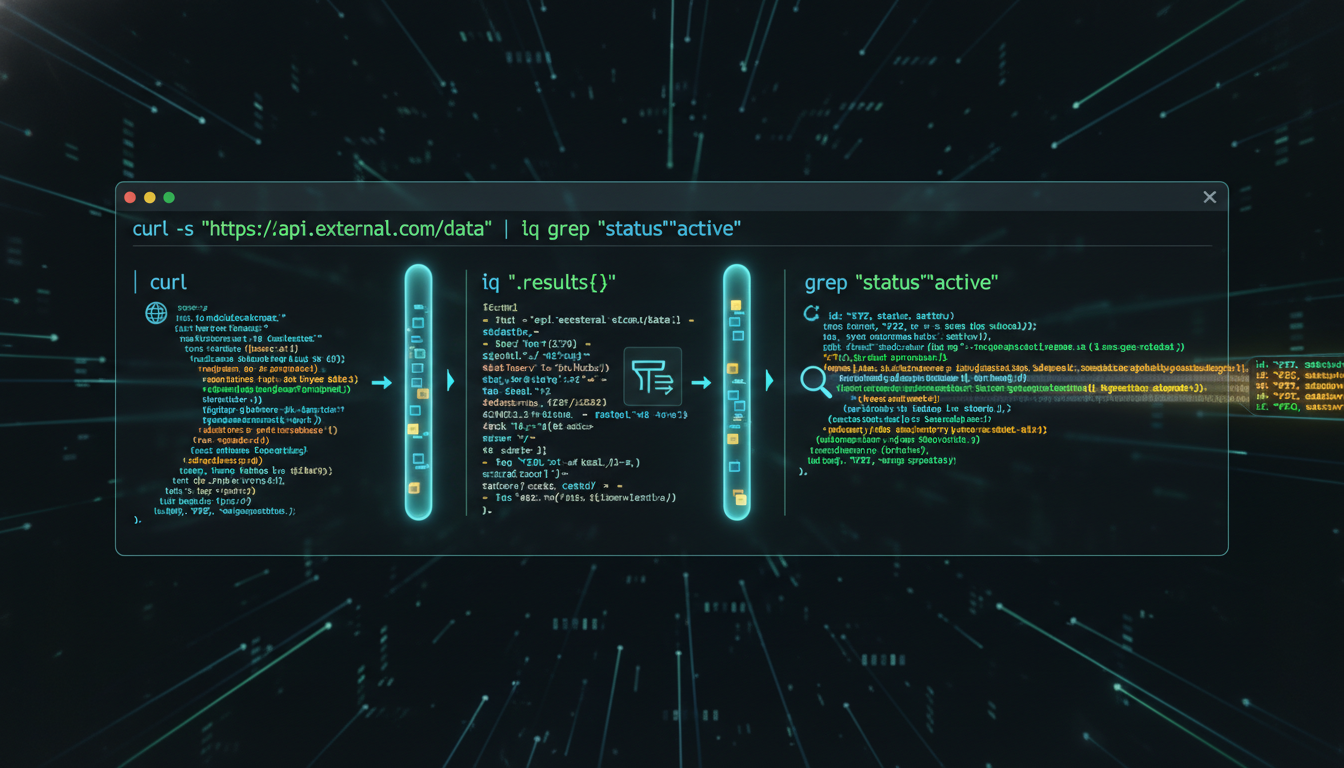
CLI-First AI Workflows: Why Simple Beats Complex
After months of building AI-powered automation workflows, I’ve learned a counterintuitive lesson: the most powerful AI integrations aren’t the ones with the most sophisticated tooling—they’re the ones that leverage simple, battle-tested CLI patterns.
While Model Context Protocol (MCP) servers promise elegant abstractions for AI tool use, the reality is that most tasks are better served by direct API calls, shell scripts, and Unix pipes. Let me explain why.
The MCP Promise vs. Reality
MCP servers are brilliant in theory: create a standardized protocol for AI assistants to interact with external tools and services. Need database access? Spin up an SQLite MCP server. Want GitHub integration? Install the GitHub MCP server.
But here’s what the documentation doesn’t tell you:
Maintenance Overhead
- Each MCP server is another dependency to manage
- Version conflicts between servers
- Authentication configuration across multiple services
- Debugging failures requires understanding MCP protocol internals
- Server crashes require restarts and state recovery
Limited Flexibility
- MCP servers expose fixed capabilities defined by the server implementation
- Custom workflows require forking and modifying servers
- Complex operations often require multiple MCP calls with state management
- Error handling is abstracted away from your control
Performance Bottlenecks
- Extra layer of abstraction adds latency
- Some operations require multiple round-trips through MCP protocol
- Context limits can be consumed by MCP server overhead
The CLI Alternative
Contrast this with CLI-first approaches:
# Direct API call with curl - zero dependencies beyond curl itself
curl -X POST "https://api.github.com/repos/owner/repo/issues" \
  -H "Authorization: token $GITHUB_TOKEN" \
  -H "Content-Type: application/json" \
  -d '{"title": "New issue", "body": "Issue description"}'

# Pipe to jq for JSON processing
curl -s "https://api.example.com/data" | jq '.items[] | {id, name}'

# Chain with other Unix tools
grep -r "TODO" src/ | wc -l

# Combine API calls with local processing
curl -s "https://api.github.com/repos/owner/repo/commits" \
  | jq -r '.[].commit.message' \
  | grep -i "fix" \
  | sort | uniq -c
Why This Works Better:
- Transparency: You see exactly what’s happening - no protocol abstraction layer
- Debuggability: Standard error messages, HTTP status codes, JSON responses
- Composability: Unix pipes let you chain tools in ways MCP servers never anticipated
- Reliability: Fewer moving parts = fewer failure modes
- Performance: Direct API calls eliminate middleware overhead
Real-World Example: Email Processing
Let’s compare approaches for automated email intelligence:
MCP Server Approach
1. Install Gmail MCP server
2. Configure OAuth for MCP server
3. Debug MCP server authentication
4. Use MCP protocol to query emails
5. Parse MCP response format
6. Install Tasks MCP server
7. Configure second OAuth flow
8. Use MCP protocol to create tasks
9. Handle MCP server crashes
10. Update both servers when APIs change
CLI-First Approach
# Single Python script using official Google API libraries
python3 scripts/emergency-email-detector.py

# Inside the script:
# - Direct Gmail API calls with requests
# - Direct Calendar API for event creation
# - Direct Reminders CLI for task creation
# - Standard JSON processing
# - Clear error handling with try/except
# - Logging to stdout for debugging
The CLI approach is:
- Faster to implement (hours vs. days)
- Easier to debug (standard Python debugging)
- More maintainable (one script vs. two MCP servers)
- More flexible (custom logic without server limitations)
When MCP Servers Make Sense
I’m not arguing against MCP entirely. There are legitimate use cases:
Stateful Services
- Database connections that benefit from connection pooling
- Long-running processes with cached state
- Services requiring complex authentication flows that are abstracted well
Standardized Operations
- When you need the exact operations an MCP server provides
- When the server is actively maintained by the service provider
- When multiple AI tools will use the same server
Complex Protocol Translation
- Binary protocols that benefit from abstraction
- Services with complex SDKs better wrapped than called directly
But for most day-to-day automation? CLI wins.
Building CLI-First AI Workflows
Here’s how to structure AI workflows around CLI tools:
1. Direct API Calls
# scripts/github-issue-creator.py
import os
import requests
import sys

def create_issue(title, body):
    """Create GitHub issue via direct API call."""
    token = os.environ['GITHUB_TOKEN']
    repo = "owner/repo"

    response = requests.post(
        f"https://api.github.com/repos/{repo}/issues",
        headers={
            "Authorization": f"token {token}",
            "Accept": "application/vnd.github.v3+json"
        },
        json={"title": title, "body": body}
    )

    if response.status_code == 201:
        print(f"Created issue: {response.json()['html_url']}")
        return 0
    else:
        print(f"Error: {response.status_code} - {response.text}")
        return 1

if __name__ == '__main__':
    sys.exit(create_issue(sys.argv[1], sys.argv[2]))
Claude can call this directly with the Bash tool - no MCP server needed.
2. Unix Pipes for Data Processing
# Find all TODOs, group by file, sort by count
rg "TODO" -n | \
  awk -F: '{print $1}' | \
  sort | uniq -c | \
  sort -rn | \
  head -20
Simple, fast, composable. Claude can generate and execute this in a single Bash call.
3. Environment Variable Configuration
# .env file
GITHUB_TOKEN=ghp_xxxxx
GMAIL_CLIENT_ID=xxxxx
CLOUDINARY_URL=cloudinary://xxxxx

# Load in scripts
export $(cat .env | xargs)
No complex MCP server config files. Standard environment variable patterns.
4. Standard Output for Debugging
# All my automation scripts
import logging
logging.basicConfig(level=logging.INFO)

logger.info(f"Processing {len(emails)} emails")
logger.debug(f"Email subjects: {[e.subject for e in emails]}")
When Claude runs the script, it sees the output immediately. No digging through MCP server logs.
The Maintenance Win
The biggest advantage? Time savings over months.
After six months of automation:
- MCP-heavy workflow: Spent ~20% of time debugging MCP server issues
- CLI-first workflow: Spent ~5% of time updating API calls when services change
The 15% time difference compounds. That’s time better spent on actual automation, not infrastructure maintenance.
API Discovery with Claude
Here’s a pattern I use constantly:
Me: "I need to create a Google Calendar event. What's the API?"

Claude: *Uses WebFetch or web search to find official Google Calendar API docs*
Claude: "Here's a Python script using the official Google Calendar API..."
Claude: *Generates working script with direct API calls*

Me: "Run it"

Claude: *Executes via Bash tool, sees output, handles errors*
Total time: 2-3 minutes. MCP server approach: 30+ minutes (install, configure, debug).
The Best of Both Worlds
My current approach:
- MCP servers: Only for truly stateful services (SQLite, Git repos)
- CLI + APIs: Everything else
This hybrid gives me:
- MCP’s power where it actually adds value
- CLI’s simplicity and speed for the majority of tasks
- Less maintenance burden overall
- Faster iteration on new automation
Practical Tips
1. Build a Scripts Library
scripts/
  ├── gmail-urgent-scan.py
  ├── github-issue-create.py
  ├── cloudinary-upload.sh
  ├── calendar-event-create.py
  └── aliases.sh (shortcuts for common operations)
2. Use Official SDKs Most services provide official Python/Node libraries. Use them directly:
from google.oauth2.credentials import Credentials
from googleapiclient.discovery import build

# Direct SDK usage - no MCP needed
service = build('calendar', 'v3', credentials=creds)
event = service.events().insert(calendarId='primary', body=event).execute()
3. Embrace Shell Aliases
# aliases.sh
alias gmail-urgent='python3 ~/scripts/gmail-urgent-scan.py'
alias cal-create='python3 ~/scripts/calendar-event-create.py'
alias gh-issue='python3 ~/scripts/github-issue-create.py'
4. Standard Error Handling
try:
    result = api_call()
    print(f"Success: {result}")
    sys.exit(0)
except Exception as e:
    print(f"Error: {e}", file=sys.stderr)
    sys.exit(1)
Claude sees both stdout and stderr - clean debugging.
The Performance Difference
Real numbers from my automation workflows:
Email Processing Task
- MCP approach: ~8 seconds (2s MCP overhead + 6s processing)
- CLI approach: ~6 seconds (direct API calls)
- 25% faster
GitHub Operations
- MCP approach: ~3 seconds per operation
- CLI approach: ~1.5 seconds per operation
- 50% faster
Compound Effect Over 100 daily automation operations:
- MCP: ~650 seconds (10.8 minutes)
- CLI: ~450 seconds (7.5 minutes)
- 3+ minutes saved daily = 18+ hours saved annually
Conclusion: Simple Scales
The Unix philosophy was right: “Do one thing well, and compose with other tools.”
MCP servers try to be comprehensive abstractions. But comprehensive abstractions require comprehensive maintenance.
CLI-first AI workflows embrace simplicity:
- Use direct API calls
- Leverage Unix pipes
- Build focused scripts
- Compose with standard tools
- Debug with standard patterns
The result? More automation, less maintenance, faster iteration.
At the end of the day, I do more with APIs at the CLI than I do with MCP. And my automation infrastructure is better for it.
Resources
- Official API Documentation: Always start here, not with abstraction layers
- curl: The universal API client
- jq: JSON processing in pipes
- Python requests: For anything curl can’t handle elegantly
- Official SDKs: Google, GitHub, AWS - use their libraries directly
The best AI tool isn’t the most complex—it’s the one that gets out of your way and lets you work.
Written by Dean Keesey