Prompt Engineering Portfolio
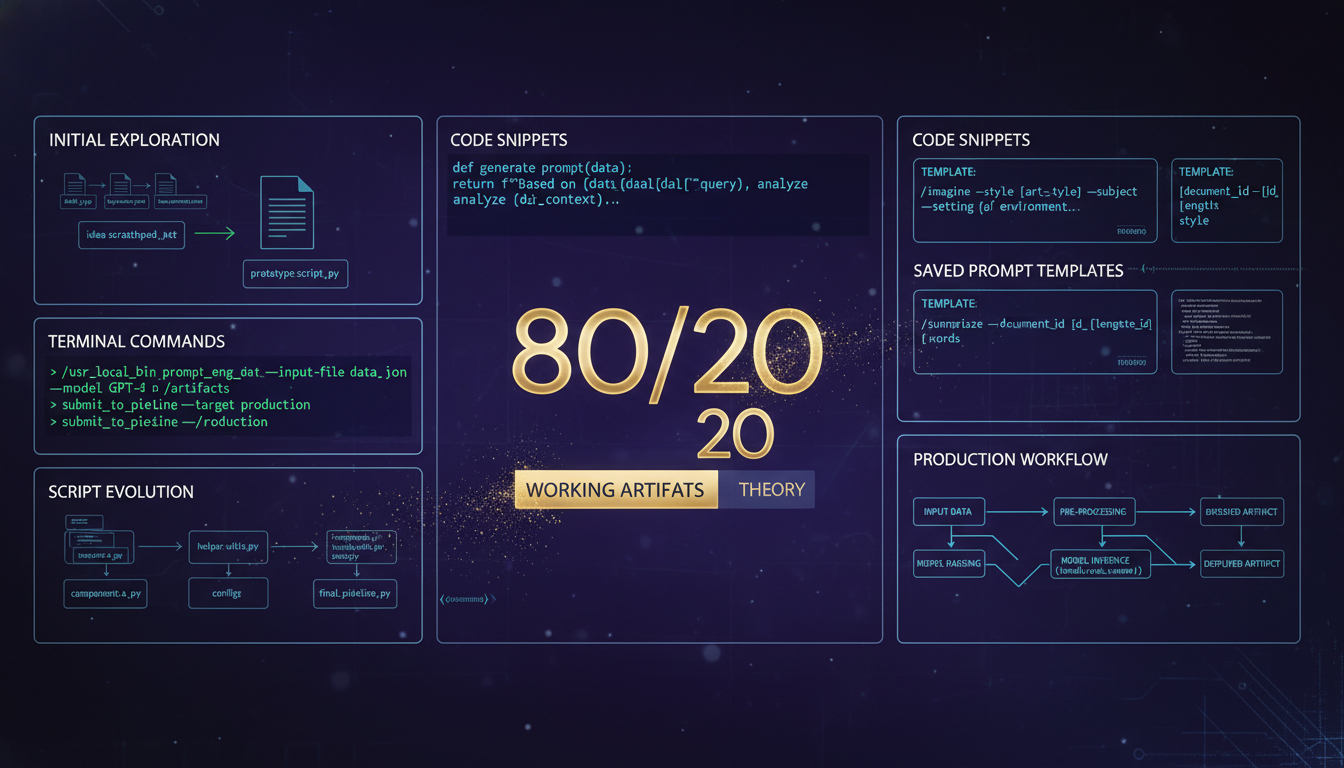
Production-ready prompt systems: saved prompts, parameterized slash commands, and reusable templates. 80% of automation value comes from working artifacts, not abstract patterns.
Parameterized Slash Commands
Production commands with variable parameters. Natural language → structured execution.
/check-email Unified email intelligence with category filters
--family--business--masumi--all /status Comprehensive status intelligence using platform-native tools
--project--context /site-audit Unified site audit with multiple analysis types
--links--redirects--seo--indexing--performance--full /create-calendar-event Apple Calendar event creation with structured input
--title--date--time--duration--notes /schedule-task Dual-track scheduling (calendar event + reminder)
--task--date--priority--project /email-research Ad-hoc email intelligence with flag syntax
--topic--timeframe--account Production Saved Prompts
Complex multi-step workflows captured as reusable prompt templates.
Morning Intelligence Report
Comprehensive morning briefing from multiple systems
- ▸ Emergency email scan (last 12 hours)
- ▸ Urgent email classification
- ▸ Family digest generation
- ▸ Calendar events (today + week)
- ▸ Active task reconciliation
- ▸ Git repository status (all 22 repos)
Knowledge Mill Processing
Extract learnings from expensive LLM conversations
- ▸ Parse conversation transcripts
- ▸ Identify architectural decisions
- ▸ Extract reusable patterns
- ▸ Generate quick-reference docs
- ▸ Create searchable artifacts
WordPress Security Audit
Automated malware detection and hardening checks
- ▸ File integrity verification
- ▸ Suspicious pattern detection
- ▸ Plugin vulnerability scan
- ▸ User permission audit
- ▸ Htaccess security review
Site Analytics Report
- ▸ Search performance metrics
- ▸ Top queries and pages
- ▸ Indexing status
- ▸ Traffic trends (sessions, pageviews)
- ▸ Conversion tracking
Parameterized Templates
Reusable prompt structures with variable injection for different contexts.
Context Bundle Generator
Create domain-specific context packages for specialists
{domain}{specialist_type}{task_complexity}{related_files} Blog Post Generator
Structure for technical articles with AI assistance
{topic}{target_audience}{code_examples}{image_prompts} Code Review Protocol
Systematic review checklist with domain rules
{language}{framework}{security_level}{performance_requirements} The Evolution: 5 Scripts → 1 Parameterized Command
Real-world progression from script proliferation to elegant parameterization.
Case Study: Morning Intelligence
From 7 specialized scripts to 1 unified command
morning-summary.sh morning-report-universal.sh smart-morning-report.sh reliable-morning-report.sh shortcuts-compatible-morning-report.sh morning-intelligence-cd-cm.py full-morning-sync.sh
morning-intelligence-cd-cm.py --mode=[desktop|shortcuts] --output=[markdown|json]
- • 86% reduction in script count (7 → 1)
- • Single source of truth for morning intelligence
- • Easier maintenance and debugging
- • Consistent output formats
Case Study: Email Intelligence
From named variations to flag-based consolidation
masumi-exhibition-email-search.py masumi-exhibition-email-search-v2.py ada-support-search.py ada-support-contact-finder.py urgent-email-scanner.py
/email-research --topic="exhibitions" --timeframe="6mo" --account="masumi"
When you find yourself adding v2, v3, or descriptive suffixes to scripts, it's time to consolidate with parameters.
Case Study: Task/Reminders Sync
From AppleScript variations to unified CLI approach
sync_reminders_simple.py (AppleScript) sync_reminders_to_tasks.py (AppleScript) enhanced-reminders-sync.py (AppleScript) test_reminders_simple.applescript sync-reminders-complete.sh (AppleScript)
sync-apple-reminders-cli.sh --direction=[both|to-tasks|to-reminders]
- • 80% code reduction (500+ lines → 100 lines)
- • Archived 18+ old script variations
- • 174 tasks synced successfully (production proven)
- • Zero auth complexity (macOS keychain)
The 80/20 Rule of Prompt Engineering
80% of value comes from saved prompts and parameterized commands. These are working artifacts you can execute immediately.
20% of value comes from prompt theory, patterns, and techniques. Important for building new prompts, but the saved versions deliver the results.
Mastery = Your Library of Production Prompts
Want to Learn More?
Read detailed breakdowns of these prompts and how they were built.